Insights · 2026-03-14
Back Office Automation Examples: 12 AI Workflows for SMEs

What this page does
This page is the proof layer of the cluster: 12 concrete workflows that show where automation becomes useful in daily operations.
Start with the overview
If you need priorities, rollout logic, and implementation framing, start with back office automation for companies.
If you want the fastest starts
For the easiest entry points, go straight to quick wins in the back office.
Most teams talk about AI as if the first step has to be a giant systems project. In practice, that is rarely the right starting point. The better approach is more sober: pick one workflow, keep the scope tight, and create order where time is being lost every day.
That is why back office workflows are such a good fit. They are repetitive, document-heavy, and operationally important. At the same time, they can be implemented in a way that stays controllable - with clear review steps and without automation theatre.
The 12 examples below are chosen deliberately: broad enough for SMEs, realistic in daily operations, and positioned as a proof page - not as a second overview. Their job is to make concrete workflows tangible, not to replace the cluster hub.
Inbox and Communication
This is where the first operational bottleneck usually appears: too many emails, too many small handoffs, too many routine replies. That is exactly why these workflows are good entry points.

Inbox triage and prioritisation
Before
A shared inbox mixing invoices, customer requests, newsletters, and internal follow-ups in the same queue.
After
An agent categorises, prioritises, and highlights the few items that actually need human attention.
Attachment recognition and routing
Before
PDFs and scans arrive in the inbox and someone has to open, rename, and forward them one by one.
After
The agent recognises whether a file is an invoice, quote, contract, or form and prepares the next workflow step.
Drafting standard replies
Before
The team keeps writing the same answers again and again for appointment questions, status requests, and routine follow-ups.
After
The agent recognises the pattern and prepares a suitable reply draft for review.
Extracting tasks from emails
Before
To-dos are buried in threads, attachments, and half-finished reminders.
After
The agent pulls out tasks, deadlines, and owners and prepares them for follow-up.
Documents and Finance
Documents are rarely difficult, but they are often tedious. That is exactly where local AI workflows become practical in day-to-day operations.

Invoice data extraction
Before
Amounts, due dates, invoice numbers, and supplier names are transferred manually from PDFs or scans.
After
The agent reads the document, extracts the relevant fields, and prepares the data for review.
Quote and order intake
Before
Quotes arrive through email, PDFs, or forms and get processed inconsistently across teams.
After
The agent identifies the document type, extracts key fields, and prepares the handoff into the right process.
Document naming and filing
Before
Files end up in downloads, inboxes, or shared folders with inconsistent names and no reliable structure.
After
The agent applies naming rules and prepares the correct filing location automatically.
Turning contracts and PDFs into structured data
Before
Deadlines, cancellation dates, and contract values are trapped inside text-heavy PDFs or scans.
After
The agent reads the content, highlights key dates and fields, and prepares them for monitoring or follow-up.
Follow-up and Operations
A lot of operational damage comes from small things slipping through the cracks. That is where clean automation creates order.
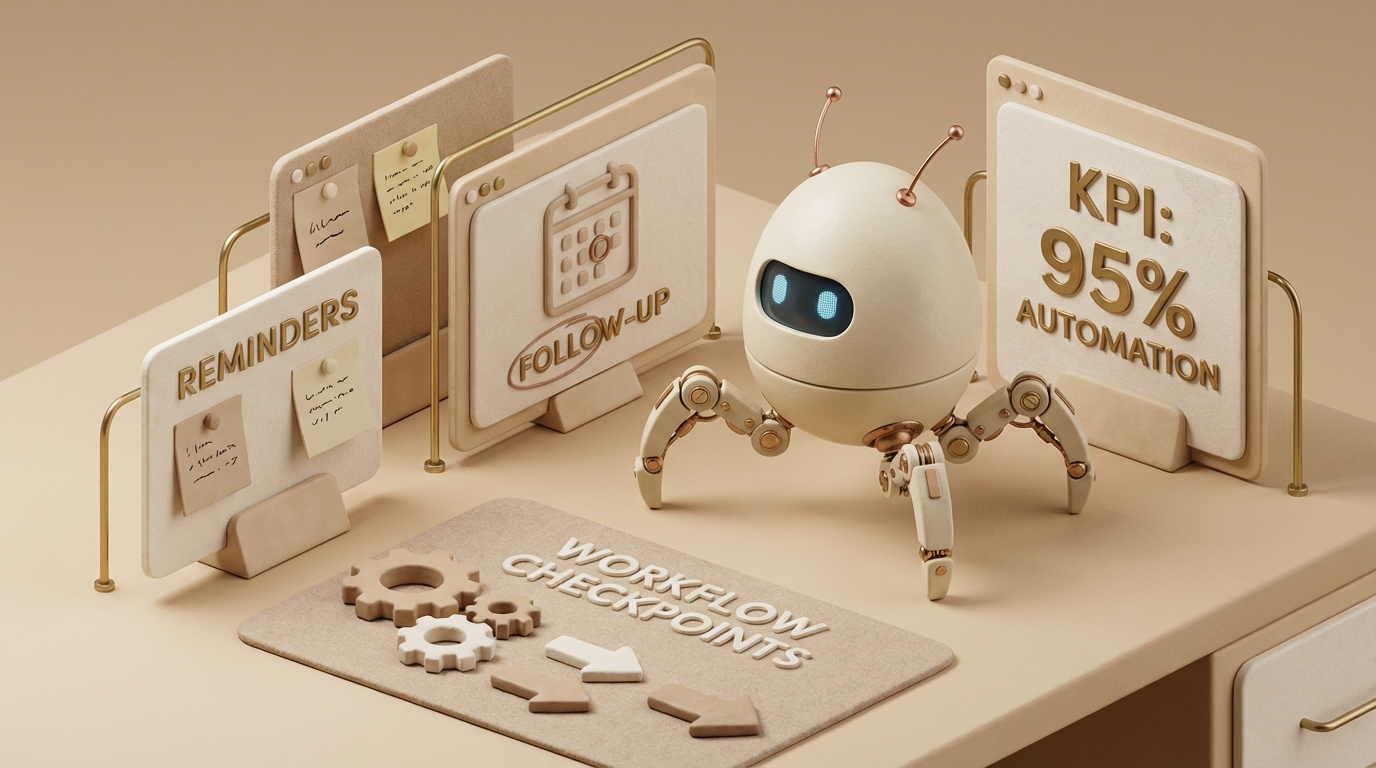
Follow-up reminders for quotes and invoices
Before
Open items depend on memory, sticky notes, or one overloaded person keeping everything in their head.
After
The agent keeps open items visible and prepares reminders before they get dropped.
Appointment and request handling
Before
Appointment requests arrive through email, phone, and forms and need to be triaged manually.
After
The agent prioritises requests, gathers missing information, and prepares scheduling options.
Weekly reporting summaries
Before
Data from CRM, accounting, or ticketing tools has to be collected manually and turned into a report.
After
The agent consolidates metrics, exceptions, and open items into a compact weekly summary.
Request routing and handoff preparation
Before
Requests land with the wrong team or get forwarded without enough context.
After
The agent recognises the request type, adds context, and prepares the handoff to the right place.
Which examples make sense as a first step?
| If your bottleneck is ... | Start with ... | Why |
|---|---|---|
| too many emails | Inbox triage | fast visibility, low risk |
| too many PDFs and invoices | Invoice extraction | clear inputs, easy to review |
| open items getting lost | Follow-up reminders | process discipline instead of memory |
| too much search time | Document filing | visible impact in daily operations |
| too many recurring requests | Reply drafts | time savings without losing control |
What all of these examples have in common
All 12 workflows sit between incoming information and human judgment. That is where local AI becomes operationally useful: sorting, extracting, preparing, and summarising. Not: deciding autonomously, sending sensitive messages, or handling legally critical steps without control.
That is also the important boundary. If a workflow involves unclear rules, sensitive communication, or legally critical content, it still needs an explicit review step. The leverage does not come from full autonomy. It comes from better-prepared drafts and fewer manual handoffs.
Next step
Which of these 12 workflows fits your business?
30 minutes. One workflow. A realistic assessment of what should be automated first - and what should deliberately stay manual.